
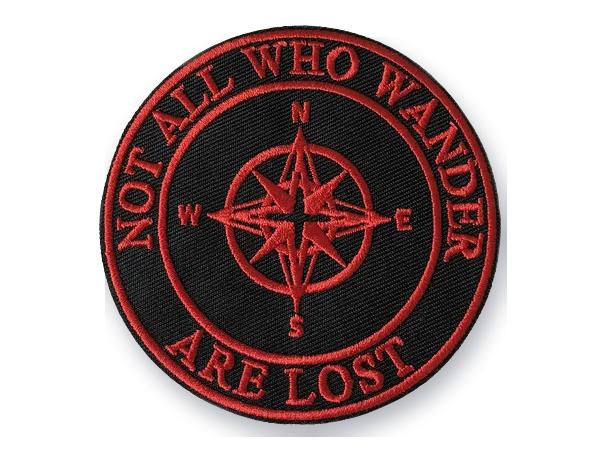
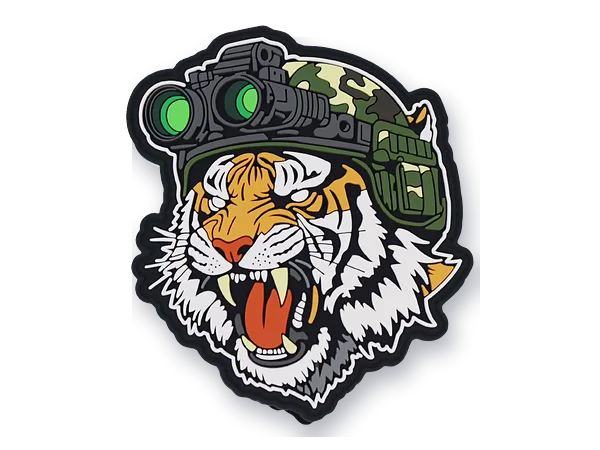
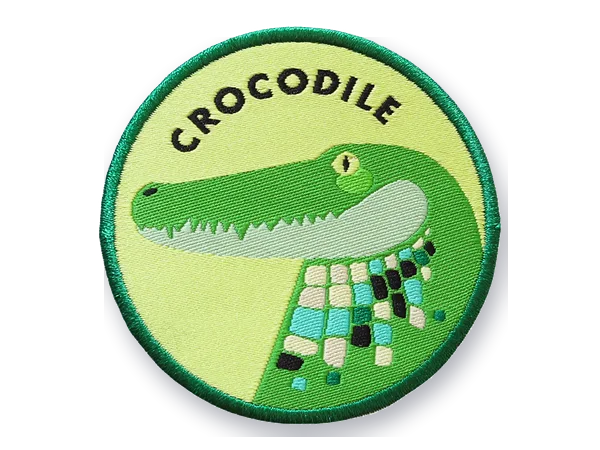
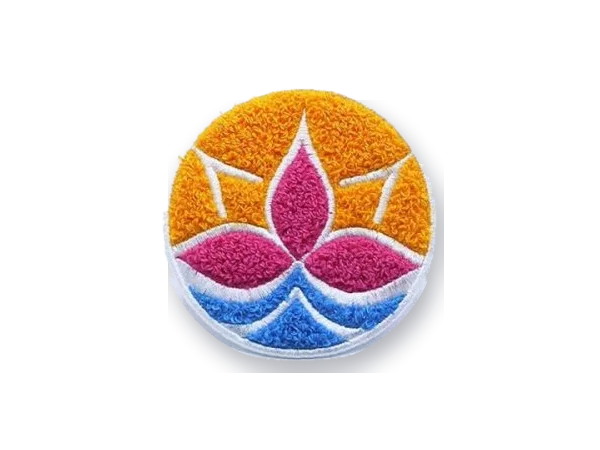
Vector Art Conversion
Pixels out. Clean paths in.
We recreate low-resolution artwork as clean vector paths so logos and graphics stay sharp, editable and production-ready at any practical output size.
- Clean editable paths
- Scalable artwork
- AI · EPS · SVG · PDF
- 01 Low-res image
- 02 Path rebuild
- 03 Clean vector
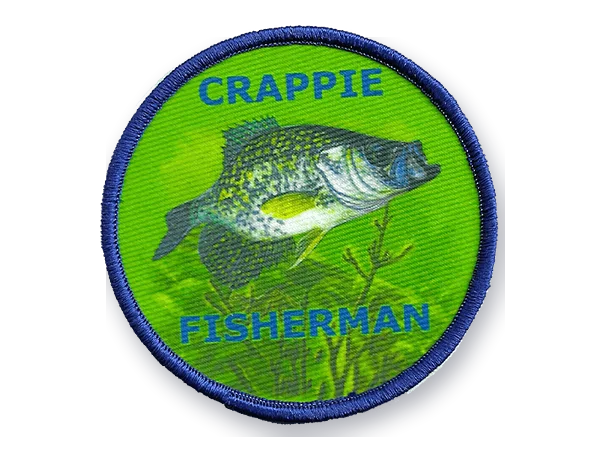
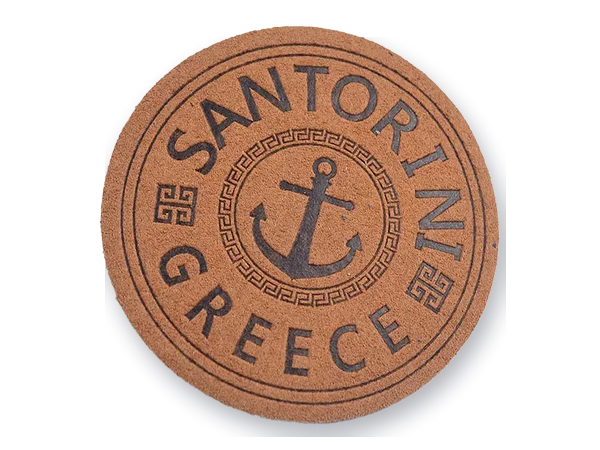
01–04 sample artwork · illustration
Why vector is different
Enlarging pixels
doesn't create detail.
We recreate low-resolution artwork as clean vector paths so logos and graphics stay sharp, editable and production-ready at any practical output size.
A JPG or PNG is a grid of pixels. Making it bigger spreads those pixels further apart; it cannot add geometry that was never recorded. Edges soften, compression noise grows and small text breaks up.
Raster and vector do different jobs. Photos belong in raster. Logos, lettering and flat graphics that must be printed, cut or resized are better rebuilt as paths.
Raster source
- PixelsA fixed grid of colored squares
- Soft edgesAnti-aliasing blurs every outline
- Compression artifactsJPEG blocks and speckle around shapes
- Limited scalingDetail stops at the original resolution
- Merged colorsEdges blend into in-between shades
Clean vector
- Editable pathsShapes you can select, move and change
- Sharp curvesDefined by anchors and handles, not pixels
- Separated shapesEach element on its own
- Scalable geometryResolution-independent outlines
- Production-friendly artworkReady for print, cutting and digitizing
Anatomy of clean vector art
Vector art is about clean geometry.
One sample logo, rebuilt. Select a part to see what makes the file clean.
-
Good vector artwork uses enough points to describe the shape without creating unnecessary bumps. Automatic tracing often adds hundreds; a rebuild places them where the shape changes.
-
Each curve is set by the handles on its anchors. Curves are rebuilt intentionally to follow the design, rather than traced blindly from blurry pixels.
-
A sharp corner is a single corner node, not a wobble of tiny segments. Proper nodes keep points sharp and straight lines straight.
-
Independent shapes make artwork easier to edit, recolor and prepare for production. Every shape is closed and stacked logically, without hidden overlaps or stray points.
-
Merged raster edges become distinct shapes with one color each. Clean separation supports printing, cutting, embroidery prep and other production workflows.
-
Letterforms may be rebuilt or matched carefully rather than traced as noisy outlines. Where a typeface can be identified we reset the text and convert it to outlines; we cannot always identify the exact font.
Auto trace or rebuild
Auto trace finds edges.
It doesn't understand the logo.
Auto trace can be a starting point, but complex or low-quality artwork often needs manual cleanup or reconstruction.
Auto trace
- Too many anchor points
- Rough curves
- Noisy corners
- Distorted lettering
- Artifacts preserved
Manual vector rebuild
- Intentional paths
- Clean geometry
- Controlled corners
- Editable shapes
- Noise simplified
Illustration The same leaf shape, traced and rebuilt.
Pixels vs path
Zoom in far enough.
At high magnification the difference is obvious: a raster edge is a staircase of squares; a vector edge is a curve.
Illustration The same edge of the sample leaf, enlarged.
Scope
What we can usually recreate.
Flat, graphic artwork rebuilds well. Some sources need interpretation.
Usually recreated
- Logos
- Wordmarks
- Badges
- Line art
- Icons
- Simple illustrations
- Print graphics
May need interpretation
- Photographs
- Complex painted art
- Heavy textures
- Photorealistic shading
- Very damaged sources
These may require simplification or a different production approach. We tell you before starting.
Logo reconstruction
When the original logo file is gone.
Many logos only survive as a small image. We rebuild them carefully from what is there, and ask about anything we cannot read rather than guess.
What people usually have
- Website logos
- Screenshots
- Old JPEGs
- PDF exports
- Scanned artwork
- Photos of signs or prints
Detail that is missing from the source cannot always be recovered exactly. Where something is unclear, such as faded text or a cropped edge, we confirm it with you.
Color cleanup
Clean shapes.
Clean colors.
Vector conversion can simplify artwork into intentional production colors.
Raster source
- Compression noise
- Color fringing
- Soft anti-aliased edges
Separated vector colors
- One color per shape
- Named swatches
- Pantone references when you provide them
Illustration Exact color matching needs a reference from you, such as Pantone numbers or a brand guide.
Vector art is not digitizing
Two different files.
A vector is the best source art for embroidery, but a machine cannot sew it.
Vector file
- Defines
- Shapes · Paths · Colors · Geometry
- Used for
- Printing · Cutting · Scaling · Artwork editing
Embroidery file
- Defines
- Stitches · Sequence · Density · Underlay · Machine instructions
- Used for
- Embroidery machines · One size and fabric
Vector art tells us what the design looks like.
Digitizing tells the machine how to sew it.
Illustration Embroidery digitizing Logo digitizing
File formats
What you send, what you get.
Upload the best file you have. You receive editable vector files.
Vector output
- AIIllustrator, for designers and print shops
- EPSWidely accepted by printers and sign shops
- SVGWeb and cutting machines
- PDFEasy to share and open
Source we can review
- JPG / JPEGPhotos, website and email logos
- PNGScreenshots and transparent images
- PDFExports and scans
- AI · EPS · SVGExisting vectors that need cleanup
PDF A PDF can contain vector paths, a placed raster image, or both, depending on how it was made. We check what is inside before quoting.
Before we rebuild
Six things we ask. "Not sure" is fine.
- 01
Source artwork
Upload the best file you have, even if it is small or blurry.
- 02
Required output
AI, EPS, SVG, PDF, or not sure.
- 03
Intended use
Embroidery, print, signage, web or other.
- 04
Size
Only if the artwork must match an existing physical item.
- 05
Colors
Any brand color references, such as Pantone numbers.
- 06
Must-preserve details
Anything that cannot change: lettering, proportions, a symbol.
Service snapshot
Vector Art at a glance
- Best for
- Logos, wordmarks, badges and line art
- Input
- JPG, PNG, PDF, screenshots and scans where reviewable
- Output
- AI, EPS, SVG and PDF; PNG on request
- Method
- Manual rebuild; auto trace only as a starting point
- Main challenges
- Low resolution, distorted lettering, noisy edges, missing detail
- Related service
- Embroidery digitizing
- Turnaround
- Confirmed with your quote
How orders run
How vector orders run.
-
01
Upload
Upload the best artwork you have
Any size; tell us where it will be used.
-
02
Inspect
We inspect the source
We flag unclear areas and ask before guessing.
-
03
Rebuild
We rebuild clean vector geometry
Shapes, lettering and colors as clean paths.
-
04
Deliver
Receive editable production artwork
AI, EPS, SVG and PDF, plus any color variants you asked for.
Only have a JPG?
Send the best file
you have.
We'll review whether it can be rebuilt cleanly and tell you what output makes sense.
Questions
Vector art questions.
What people ask before sending a logo to rebuild. Anything else, ask with your quote.
All questions01What is vector art?
Artwork built from paths: anchor points joined by lines and curves, with fills and colors. Because it is geometry rather than pixels, it can be resized without the edges breaking up.
02What is the difference between vector and raster artwork?
Raster images (JPG, PNG) are grids of pixels and suit photos. Vector artwork (AI, EPS, SVG) is made of shapes and suits logos, lettering and graphics that must be printed, cut or resized. They do different jobs.
03Can you convert a JPG or PNG to vector?
Yes. We rebuild the artwork as clean paths over the original. How faithful the result can be depends on how much detail the image still contains.
04Can you vectorize a screenshot?
Usually, for logos and graphics. Screenshots are low resolution, so we may ask you to confirm small details such as thin lines or small text. Client logos on promotional orders often arrive this way.
05Is vector conversion the same as auto tracing?
No. Auto trace can be a useful starting point, but it guesses edges from pixels and often leaves extra points, rough curves and noise. We rebuild by hand so the file is clean and editable.
06Which vector formats do you provide?
AI, EPS, SVG and PDF. PNG exports are available on request.
07Can you recreate a blurry logo?
Often, yes. If parts are too blurry to read, we ask you to confirm them instead of guessing. Detail that is missing from the source cannot always be recovered exactly.
08Can you identify the exact font in my logo?
Sometimes. Where the typeface can be identified we reset the text; otherwise we redraw the letters to match as closely as the source allows. Exact identification is not always possible.
09Can vector artwork be used for embroidery?
Not directly. A machine needs a stitch file. Clean vector art is the best starting point for embroidery digitizing, and we can do both.
010Is a PDF always a vector file?
No. A PDF can contain vector paths, a placed raster image, or both. We check what is inside before quoting.
011Can you convert a photo into vector artwork?
Photos have continuous tone and texture that do not translate directly into flat shapes. We can create a simplified, illustrated version; for embroidery from a photo, see image to embroidery.
012Can you fix an existing messy vector file?
Yes. Send the AI, EPS or SVG and we clean up extra points, open shapes and overlapping objects, or rebuild it if that is faster.
Related services
Built for a specific job.
- Illustration Logo Digitizing Brand marks simplified for thread and built as size-specific versions that sew the same every time.
-
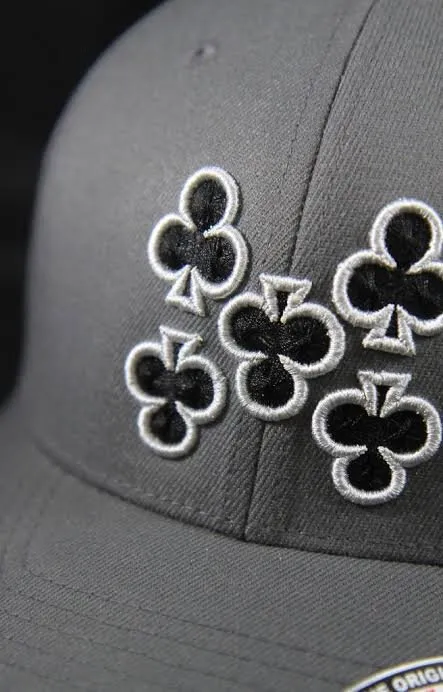 Embroidery Digitizing
Stitch files with planned underlay, density and pathing for the fabric you sew on.
- Illustration Image to Embroidery Photos, sketches and low-res images interpreted into sewable designs with a realistic thread palette.
- Illustration File Conversion Stitch files converted between DST, PES, JEF, EXP, VP3 and more, and checked before delivery.
Free quote · No payment to ask
Clean paths.
Ready for production.
Send the best file you have and tell us where the artwork will be used. We'll take it from there.